FalconDashboard
Falcon Dashboard is a Kotlin-based utility that can be used to generate trajectories and visualize the robot’s position on the field live. This utility uses FalconLibrary as the backend trajectory generation code, and generates code that can be pasted into your robot code. The source code is publicly available at https://github.com/5190GreenHopeRobotics/FalconDashboard
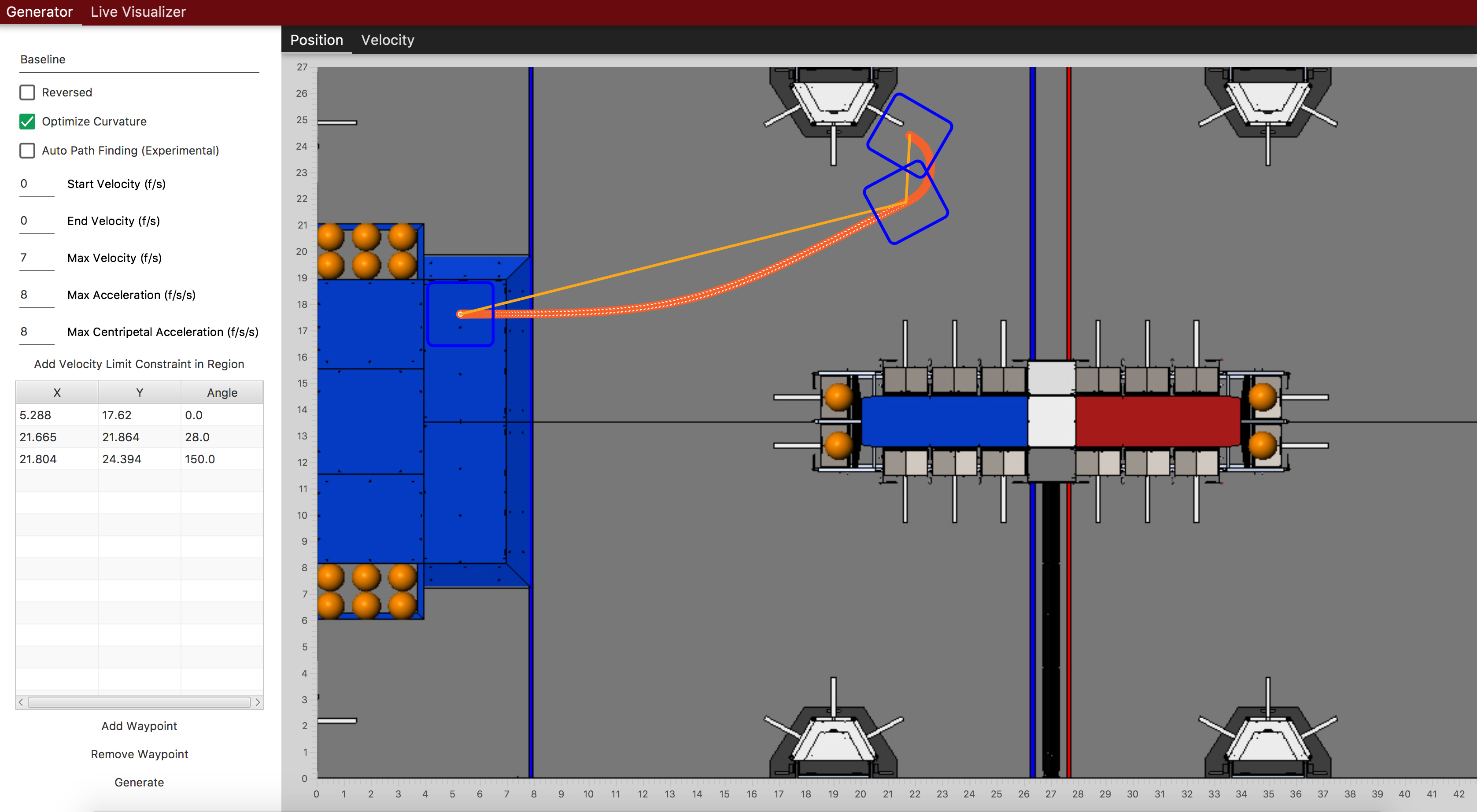
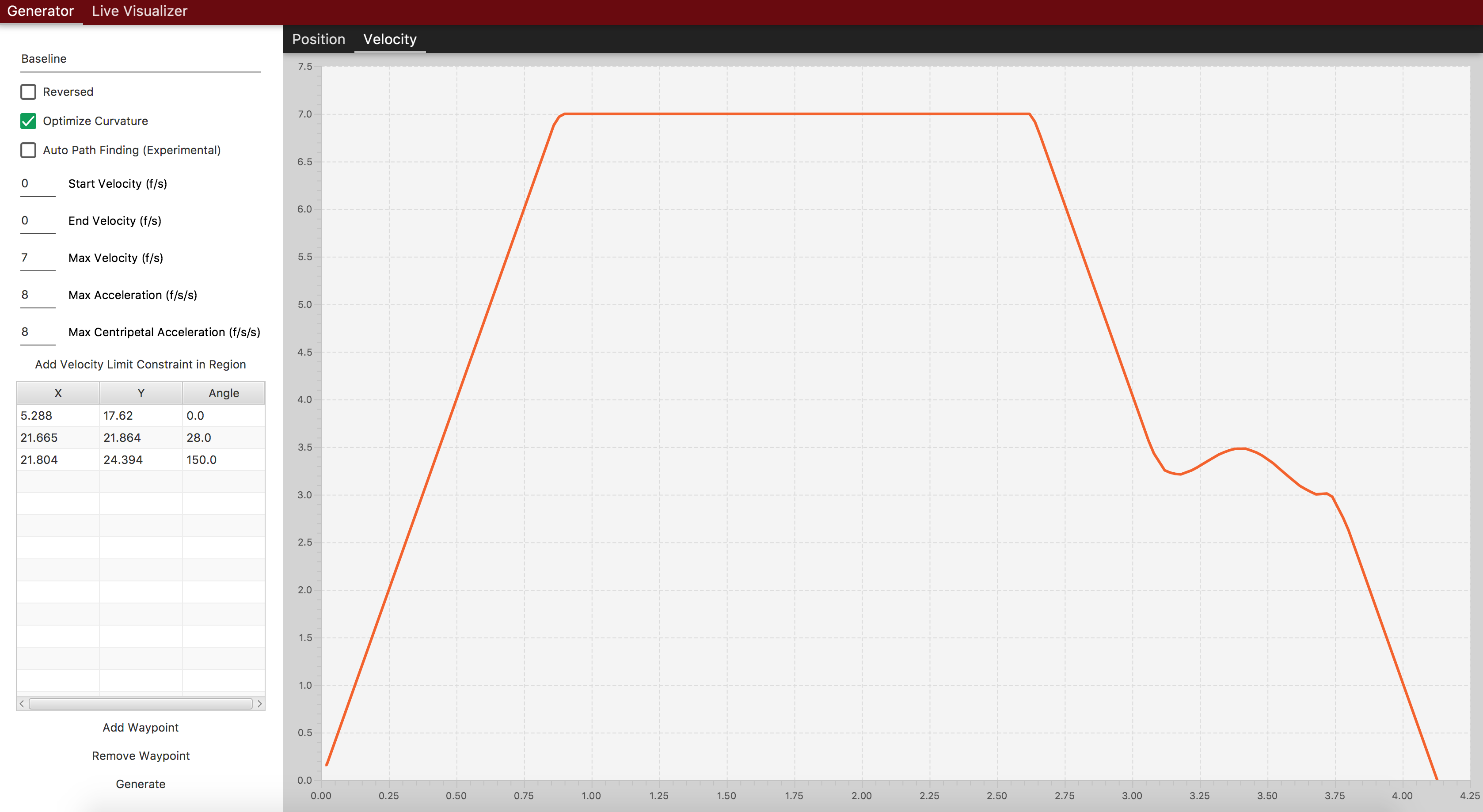
Running FalconDashboard
Clone or download the repository, and execute this command from within the project root directory:
./gradlew run
Generating code
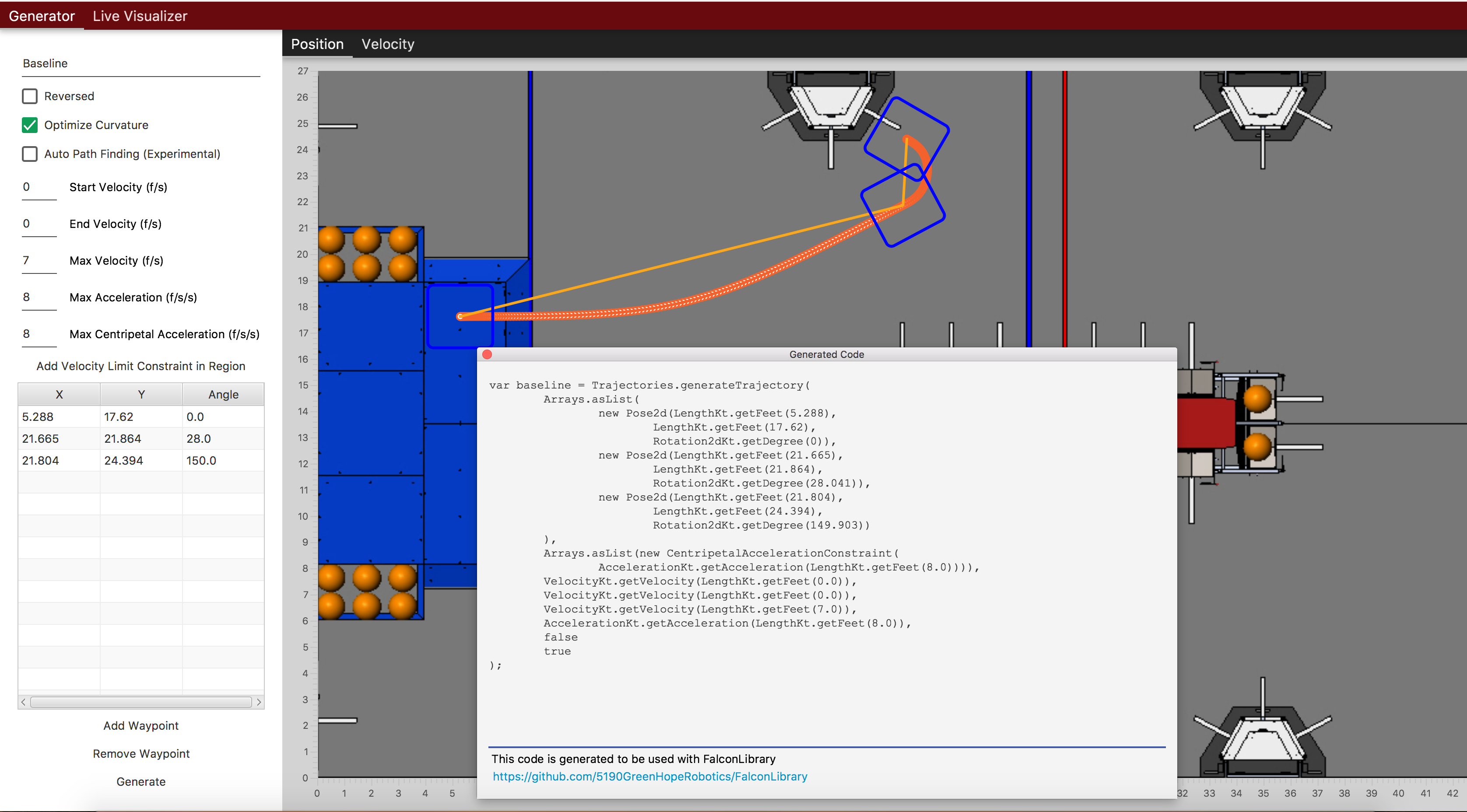
To generate code, just click generate and paste the code into a command or command group. Specific implementation will vary user to user. See Following Trajectories (TODO Link) for more information. One example might be:
var traject = Trajectories.generateTrajectory(
    Arrays.asList(
        new Pose2d(LengthKt.getFeet(5.634),
            LengthKt.getFeet(17.719),
            Rotation2dKt.getDegree(0)),
        new Pose2d(LengthKt.getFeet(18.36),
            LengthKt.getFeet(19.143),
            Rotation2dKt.getDegree(0)),
        new Pose2d(LengthKt.getFeet(20.822),
            LengthKt.getFeet(25.301),
            Rotation2dKt.getDegree(153.33))
    ),
    Arrays.asList(new CentripetalAccelerationConstraint(
        AccelerationKt.getAcceleration(LengthKt.getFeet(8.0)))),
    VelocityKt.getVelocity(LengthKt.getFeet(0.0)),
    VelocityKt.getVelocity(LengthKt.getFeet(0.0)),
    VelocityKt.getVelocity(LengthKt.getFeet(7.0)),
    AccelerationKt.getAcceleration(LengthKt.getFeet(8.0)),
    false
    true
);

addSequential(new FollowPathCommand(traject, true, m_DriveBase);
// coming soon, coz i don't know Kotlin at all